

NFC Data Wipe: A Certified Data Erasure Software

Think Delete is Enough? Know How NetForChoice Ensures a Secure Data Wipe
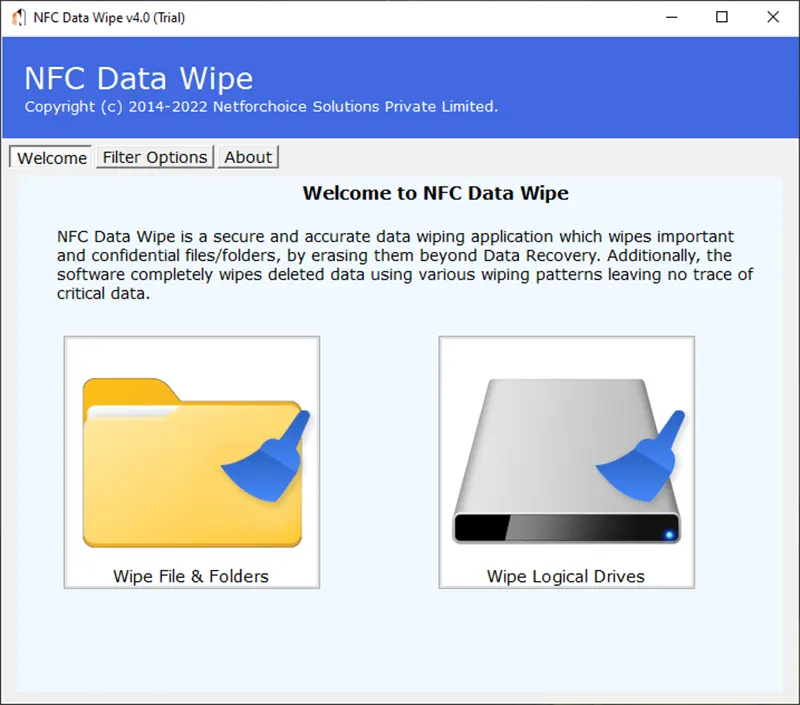
  • It ensures permanent and unrecoverable deletion of sensitive data from storage device.
  • Protect personal, financial, and business data from unauthorized access or data breaches.
  • Support a secure data wiping process for multiple storage devices such as HDDs, SSDs, USB drives, and external disks.
  • Users trusted and certified data erasure standards to guarantee secure data removal.
  • Generates verification and audit reports confirming that the data wipe process is complete and successful.
  • NetForChoice file wipe software offers 15+ international erasure methods.
  • Download and Install the Certified Data Wipe Windows software on all Windows OS versions.
Data Wipe Software
Data Wipe Software

What if your ‘deleted’ data is recovered and your sensitive file are leaked?

Trust NFC Secure Data Erasure to protect you. NFC Data destruction is essential for protecting sensitive information from unauthorized access. Unlike basic wipe data factory reset, it ensures that confidential files are permanently removed and cannot be recovered. Effective data destruction helps organizations manage information safely and maintain data protection standards.

  • Secure and permanent Data Erasure: NFC Data Wipe tool overwrite stored data multiple times so the information cannot be recovered by any means.
  • Data Destruction with filters: NFC Data Wipe Software comes with multiple data filters that allow users to select and erase data based on specific requirements. The file wipe software offers three different filters for selective data wipe:
  • Data range: Allows users to select files within a specific from and to date range for data erasure.
  • File masking: Enable wiping of files with a specific extension across the entire storage device.
  • Overwrite Text Data: Allows users to add a custom message that appears when someone tries to recover data.

Where Data Wipe Software is Important?

Data Wipe Software is important wherever sensitive data is stored or handled, such as in business, data centers, financial institutions, healthcare systems, and even personal devices. It is especially crucial when disposing, reselling, or upgrading devices, ensuring that confidential information is permanently erased and cannot be recovered, reducing the risk of data breaches and unauthorized access.

Data Wipe Software

NFC Datawipe FAQ

Learn about our Datawipe and commonly asked questions from clients to better understand our solutions.

Install NFC Data Wipe tool, select the storage device you want to erase, choose a secure wiping method, and start the wiping process. Once completed, verify the erasure through reports to ensure all data is permanently removed and cannot be recovered.
With the help of NFC Data Wipe Software, you can choose your laptop’s storage that you want to wipe or erase files from hard drives. This ensures all data is permanently erased and cannot be recovered. Also you have the option when you want to erase your data.
Wipe Data and Factory reset are not exactly the same. A factory reset may remove apps, setting, and personal data to restore a device into its original stat, but the data may still be recoverable with advanced tools. Whereas, wiping data uses secure methods to permanently erase information so it cannot be recover at all, making it better choice for complete data security.
A factory reset removes your apps, setting, and personal files, but some residual data may still remain on the device and could be recoverable with advanced tools. It also does not delete data on external storage like SD cards, and system files or pre-installed apps stays intact.
WhatsApp