
 Business Email Solution
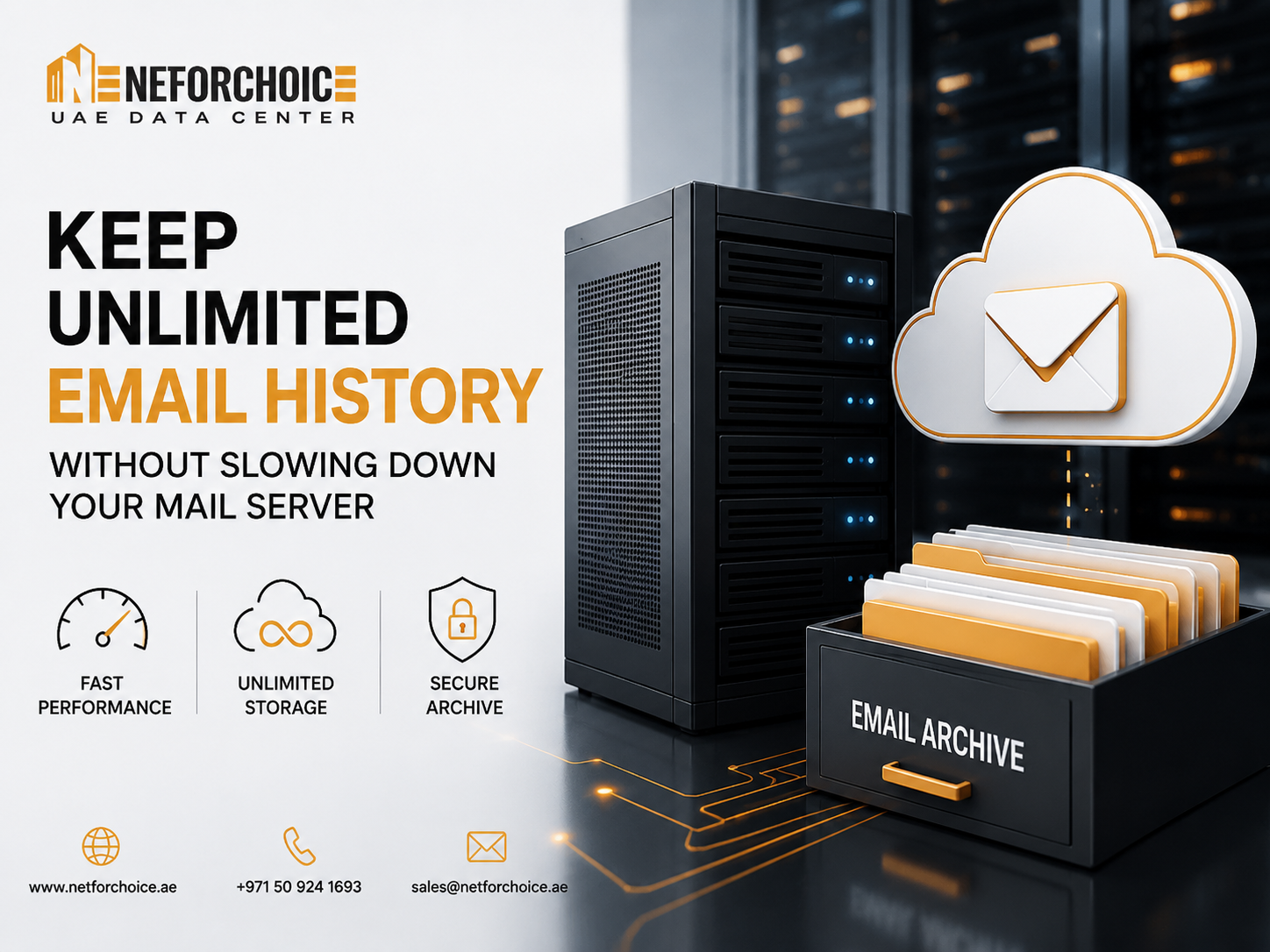
 How to Keep Unlimited Email History Without Slowing Down Your Mail Server
Email is one of the most valuable business assets. Contracts, invoices, customer conversations, project updates, compliance records, and legal communications are often stored in mailboxes. As organizations grow, employees accumulate years of emails, attachments, and shared files, making mailbox sizes larger than ever.
While retaining years of email history is important, storing everything on your primary mail server can create serious performance issues. Large mailboxes increase storage consumption, slow search performance, extend backup windows, and make administration more complex.
The good news is that businesses don’t have to choose between preserving email history and maintaining a fast, responsive email environment. The right Email Archiving Solution enables organizations to retain emails for years while keeping mail servers optimized for daily operations.
Why Large Mailboxes Affect Mail Server Performance
Most organizations experience gradual performance degradation as email data grows. Every new message, attachment, and mailbox contributes to increased storage usage and server workload.
Common challenges include:
- Slow mailbox synchronization
- Delayed email search results
- Increased backup and restore times
- Higher storage costs
- Longer maintenance windows
- Reduced overall Mail Server Performance
These issues become even more noticeable in organizations with hundreds or thousands of users exchanging large attachments every day.
Why Deleting Old Emails Isn’t the Right Solution
Many businesses ask employees to delete older emails to free up storage. While this may temporarily reduce mailbox size, it introduces new risks.
Deleting emails can result in:
- Loss of valuable business records
- Missing communication during audits
- Difficulty responding to legal requests
- Reduced employee productivity when historical conversations are unavailable
- Accidental deletion of critical information
Business communication often needs to be retained for several years. Removing important emails simply to save storage is rarely a sustainable strategy.
What Is an Email Archiving Solution?
An Email Archiving Solution automatically captures, stores, indexes, and preserves emails in a secure archive while reducing the burden on the primary mail server.
Instead of keeping years of email inside active mailboxes, archived messages are moved to a dedicated repository where they remain searchable and accessible whenever needed.
Users can still retrieve historical emails quickly without affecting the performance of the production mail system.
This approach allows organizations to balance long-term retention with operational efficiency.
Benefits of Business Email Archiving
Implementing Business Email Archiving offers several operational and business advantages.
Improved Mail Server Performance
Smaller active mailboxes reduce server workload, improve synchronization speed, and provide faster email access for users.
Better Email Storage Management
A structured archive helps organizations organize years of communication while avoiding uncontrolled mailbox growth.
Effective Email Storage Management also simplifies capacity planning and reduces storage waste.
Faster Email Search
Archived emails remain fully indexed, making it easy for employees to locate conversations from months or even years ago.
Instead of searching oversized mailboxes, users can quickly retrieve the information they need.
Reduced Backup Time
When older emails are archived separately, production mail servers contain less active data.
This leads to:
- Faster backups
- Shorter recovery times
- Lower storage requirements
- Improved disaster recovery readiness
Unlimited Email Storage Without Performance Issues
Many organizations worry that keeping every email forever will eventually overwhelm their infrastructure.
Modern archiving platforms address this challenge by supporting Unlimited Email Storage through scalable storage architectures.
As email volumes grow, the archive expands independently from the production mail server.
This allows businesses to:
- Preserve years of communication
- Store large email attachments
- Maintain fast mailbox performance
- Scale storage without affecting daily operations
Instead of increasing mailbox quotas indefinitely, archived data is managed separately while remaining accessible whenever required.
Why an Enterprise Email Archive Matters
An Enterprise Email Archive is more than a storage repository.
It becomes a centralized platform for managing business communication across the organization.
Benefits include:
- Centralized email retention
- Secure long-term storage
- Advanced search capabilities
- Role-based access controls
- Audit readiness
- Simplified legal discovery
Organizations with multiple departments and large workforces especially benefit from having one secure location for historical email records.
Building an Effective Email Retention Solution
An effective Email Retention Solution should go beyond simply storing old emails.
Key capabilities include:
Automated Archiving
Emails should be archived automatically based on defined policies, reducing manual administration.
Retention Policies
Businesses should be able to define how long emails remain archived according to regulatory or internal requirements.
Immutable Storage
Archived emails should remain protected against accidental deletion or unauthorized modification.
Advanced Search
Users and administrators should be able to retrieve archived emails quickly using keywords, dates, senders, or attachments.
Secure Access
Archived information should be encrypted and accessible only to authorized users.
These capabilities help organizations maintain compliance while ensuring important business communication remains protected.
Best Practices for Email Storage Management
To keep your mail environment efficient over the long term, consider these best practices:
- Archive emails automatically instead of relying on manual clean-up.
- Define retention policies based on business and compliance needs.
- Separate archived data from production mailboxes.
- Monitor mailbox growth regularly.
- Educate employees about email retention policies.
- Regularly review archive storage capacity and performance.
Following these practices improves both operational efficiency and long-term data governance.
Choosing the Right Email Archiving Solution
Not every archiving platform offers the same capabilities.
When evaluating solutions, look for features such as:
- Automatic email capture
- Scalable storage architecture
- Fast indexing and search
- Secure encryption
- Role-based access control
- Compliance support
- Legal hold capabilities
- Integration with Microsoft 365 and Google Workspace
- Disaster recovery support
A reliable solution should grow alongside your organization while minimizing administrative overhead.
Final Thoughts
Keeping years of business emails should not come at the cost of slower mail servers or frustrated users.
A modern Email Archiving Solution allows organizations to preserve valuable communication, improve Mail Server Performance, simplify Email Storage Management, and support long-term compliance without overwhelming production infrastructure.
Whether your goal is achieving Unlimited Email Storage, implementing Business Email Archiving, deploying a reliable Email Retention Solution, or building a secure Enterprise Email Archive, separating historical email from active mailboxes is one of the most effective ways to improve efficiency while protecting critical business information.
As email volumes continue to grow, businesses that invest in structured archiving today will be better prepared for future compliance, operational, and storage challenges.


How to Share File Securely Without VPN in UAE?
March 30, 2026


Why Enterprise Email Hosting UAE Businesses Need in 2026
February 26, 2026